Why Is My Drawing Tablet Screen Protector Wearing Down My Stylus Nibs So Fast?
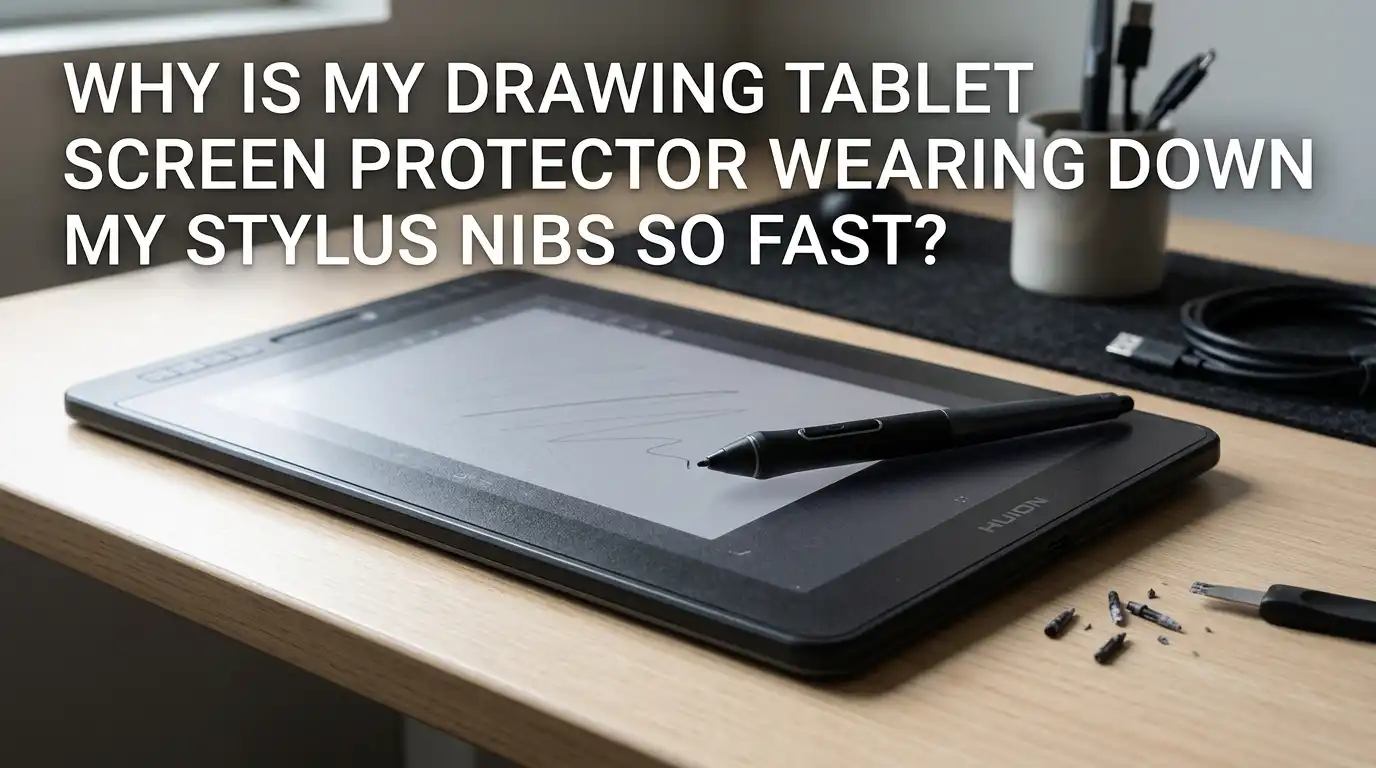
You sat down for a long art session, and within weeks, your stylus nib looks like a tiny sharpened pencil.
You changed it, only to watch the new one wear out just as fast. Sound familiar? You are not alone. Thousands of digital artists deal with this same frustrating issue every month.
The truth is, your screen protector plays a much bigger role in nib wear than most people realize. Paper feel films, matte textures, and even certain glass protectors can grind down your stylus tips at shocking speeds.
Key Takeaways
- Textured screen protectors create friction. Paper feel films use micro bumps to mimic real paper, and those tiny bumps act like sandpaper on soft plastic nibs.
- Pressing too hard speeds up wear by 3 to 5 times. Most digital artists push way harder than needed, often because their pressure curve is set wrong in the driver settings.
- Not every nib is created equal. Standard plastic nibs wear fastest, while felt nibs wear even faster on rough surfaces. Hard plastic, POM, and metal nibs last much longer but feel different to use.
- Your drawing angle matters more than you think. Holding the pen too vertical concentrates pressure on a tiny point and chews through nibs quickly.
- You can swap to a smoother protector. Switching from a matte or paper feel film to a smooth glass or clear film can extend nib life by months.
- Cleaning your tablet weekly removes grit. Dust, skin oils, and tiny debris get trapped in textured films and grind your nibs faster than the texture itself.
What Actually Causes Stylus Nibs to Wear Down So Fast
A stylus nib wears down because of friction between two surfaces. Your pen tip glides across the screen, and every stroke removes a tiny layer of material from the softer side. The softer side is almost always your nib.
Screen protectors that mimic paper add deliberate roughness to the screen. This rough texture gives you better drawing control, but it also acts like fine grit. Over thousands of strokes, that grit shaves your nib into a sharp point or a flat angle.
The harder you press, the faster this happens. Heat from friction also softens the plastic in the nib, making it even easier to grind down. Some artists go through a nib in two weeks, while others stretch one out for over a year.
Why Paper Feel Screen Protectors Are the Biggest Culprit
Paper feel films, often called matte or paperlike protectors, are loved by artists because they feel natural. But that natural feel comes from a textured top layer made of tiny bumps or beads. These bumps catch the nib slightly with every stroke, giving you the resistance that mimics pencil on paper.
The problem is that these same bumps wear down anything that touches them repeatedly. Plastic nibs do not stand a chance against weeks of constant rubbing. Many artists report changing nibs every two to four weeks instead of once or twice a year.
Pros of paper feel protectors: great drawing feel, less glare, better grip, more control over fine lines.
Cons of paper feel protectors: fast nib wear, slightly fuzzy screen image, can dull color vibrancy, need replacing every six to twelve months.
How Pen Pressure Settings Affect Nib Lifespan
Most drawing tablets ship with a default pressure curve that requires fairly firm pressing. If you have not adjusted your settings, you are probably pressing far harder than you need to. This extra force grinds your nib down at twice or three times the normal rate.
Open your tablet driver and find the pen pressure curve. Drag the curve upward so that lighter touches produce darker, fuller strokes. You should be able to make a full pressure mark with about the same force as writing with a regular pen.
This single change has the biggest impact for most artists. It also reduces hand fatigue, helps with line quality, and protects the sensors inside your pen. Try it before you change anything else.
The Role of Drawing Angle and Grip Style
Holding your stylus straight up and down focuses all your pressure on a tiny spot on the nib tip. This creates a sharp wear point that quickly becomes uneven and scratchy. Tilting your pen the way you would hold a pencil spreads the contact area and reduces the wear rate.
Try holding your stylus at about a 45 degree angle whenever possible. This mimics natural handwriting and lets the side of the nib share the load with the tip. Many artists who grip too tightly also press harder without realizing it.
Loosen your grip. A light, relaxed hold lets the tablet do its job through pressure sensitivity, not raw force. Your wrist will thank you, and your nibs will last much longer.
Choosing a Smoother Screen Protector to Save Your Nibs
If nib replacement costs are stacking up, switching to a smoother protector can solve the problem fast. Smooth clear film protectors and tempered glass protectors create far less friction than matte ones. Your nibs can last six to twelve months instead of weeks.
You lose the paper feel, of course. Drawing on smooth glass feels slick and fast, almost like ice. Some artists love this once they adjust, while others miss the resistance of paper feel films.
Pros of smooth protectors: nibs last way longer, screen looks clearer, colors stay vivid, easier to clean.
Cons of smooth protectors: slick feel takes adjustment, less line control for some users, more glare under bright lights, pen can feel less precise at first.
Switching to Harder Nib Materials
Not every nib that fits your pen is made of the same stuff. Standard nibs are usually soft white plastic, which wears fast on textured surfaces. Many brands also sell harder POM plastic nibs, felt nibs, spring loaded nibs, and even metal nibs.
Hard plastic and POM nibs last roughly three to five times longer than standard nibs on paper feel films. Metal nibs last almost forever but can damage your screen protector if you press too hard.
Pros of harder nibs: much longer lifespan, save money over time, less frequent swapping.
Cons of harder nibs: slightly different drawing feel, can sound louder or scratchier, metal nibs risk damaging the screen protector itself, felt nibs absorb skin oils and get dirty.
Cleaning Your Screen Protector the Right Way
Most people never clean their screen protector properly, and this is a huge mistake. Dust, skin oil, and tiny food particles get stuck in the textured surface and act like extra grit against your nib. A dirty matte protector wears nibs much faster than a clean one.
Wipe your screen at least once a week with a soft microfiber cloth and a small amount of isopropyl alcohol. Avoid paper towels because they leave fibers behind. Never use household glass cleaner, as the chemicals can damage the protective coating.
Also, wash your hands before long drawing sessions. Skin oil is one of the worst things you can leave on a textured film. A clean screen feels smoother, looks better, and protects your nibs at the same time.
Adjusting Your Driver Settings for Less Wear
Beyond pressure curves, your tablet driver has other settings that affect nib wear. Look for an option called pen click force or activation force. This controls how hard you must press before the tablet registers a stroke at all.
Lower this value if your tablet allows it. You want the lightest possible touch to register as a stroke. This reduces the urge to press harder when lines do not appear.
Also check that your driver is fully updated. Old drivers sometimes have bugs that cause pressure registration problems, leading you to press harder without knowing. A simple update can fix issues you did not even know you had.
Using a Sleeve, Cover, or Silicone Tip Protector
Some artists slide a small silicone cover over their stylus tip. These tip covers add a soft layer between your nib and the screen, absorbing wear instead of letting your nib take the damage. They are cheap and easy to swap out.
The trade off is a slightly less precise drawing feel. The silicone adds a tiny bit of distance between your hand input and the screen, which some users notice and others do not.
Pros of silicone tip covers: very cheap, easy to replace, save your real nibs, quieter strokes.
Cons of silicone tip covers: slightly less precision, can affect pressure sensitivity, may fall off during fast strokes, change the feel of drawing.
Replacing Nibs Before They Damage Your Screen
This is the part many artists skip, and it can ruin your tablet. A worn down nib develops sharp edges or a flat angle that scrapes hard against the screen. Once that happens, you can scratch your screen protector or even your display.
Check your nib every week. Pull it out with the small tool that came with your tablet and look at the tip. If it is no longer round and smooth, swap it out right away.
A worn nib also feels different when you draw. You may notice extra scratchiness, uneven lines, or the pen catching on the screen. These are warning signs that you have waited too long already.
Filing Down Worn Nibs to Reuse Them
Here is a trick many digital artists swear by. You can file the tip of a worn nib back into a round shape using a fine nail file or sandpaper. This lets you reuse the same nib several times before tossing it.
Hold the nib gently with tweezers or pliers, then rub the tip in a circular motion against the file. Stop as soon as the tip is round and smooth again. Do not file too much, or the nib will get too short to use.
Pros of filing nibs: save money, get more life from each nib, less waste.
Cons of filing nibs: takes time, hard to get perfect shape, eventually the nib becomes too short, requires steady hands.
When to Skip the Screen Protector Entirely
For some artists, the best answer is to use no screen protector at all. Modern tablet screens are usually made of strong glass that resists scratches well. A bare screen is slick, but it preserves nibs for the longest time possible.
Many professional digital artists go bare and report no scratches after years of use. You lose the paper feel and pick up some glare, but you also get a brighter, clearer display.
Pros of going bare: longest nib life, best image quality, no replacement protector costs, smoothest gliding feel.
Cons of going bare: slippery drawing feel, more glare, slight risk of scratches over many years, no paper texture.
FAQs
How often should I replace my drawing tablet stylus nib?
If you use a smooth screen, a nib can last six months to a year with regular use. On a paper feel protector, you may need to swap every two to six weeks. Check the shape weekly and replace as soon as it is no longer round.
Will using a metal nib damage my screen protector?
Yes, metal nibs can scratch or wear through textured screen protectors much faster than plastic ones. They work best on bare glass or smooth tempered glass protectors. Use them with care and a light touch only.
Do all matte screen protectors wear nibs down equally fast?
No. Different brands use different texture grades, and some are far rougher than others. Smoother matte films wear nibs slower but feel less like paper. Read reviews carefully before buying a new one.
Can a worn nib damage the inside of my stylus?
Yes. A worn nib can become too short, exposing the pressure sensor inside the pen. This can cause permanent damage to the sensor and even ruin your stylus. Always replace nibs before they get too small.
Is it worth switching from a paper feel to a smooth protector?
If you are spending more on nibs than you want to, yes. You will adjust to the smooth feel within a few drawing sessions. Many artists find their work improves once they stop fighting the friction.
Why does my new nib still wear out fast after I changed protectors?
Check your pen pressure settings and your grip. If you press hard or hold the pen straight up, nibs wear quickly even on smooth screens. Lighten your touch and tilt the pen for the biggest improvement.

Hi, I’m Zoe Ward, the creator and voice behind Fine Brush Vault. I’m passionate about art, painting, and exploring the world of colors. I spend my time testing and reviewing art supplies to help fellow creators find the best tools for their craft. Through honest reviews and detailed guides, my goal is to make your creative journey easier and more inspiring.